Shares module enables you to mount drives to your proxybox and serve them through a web-hosted file-browser through your proxybox.
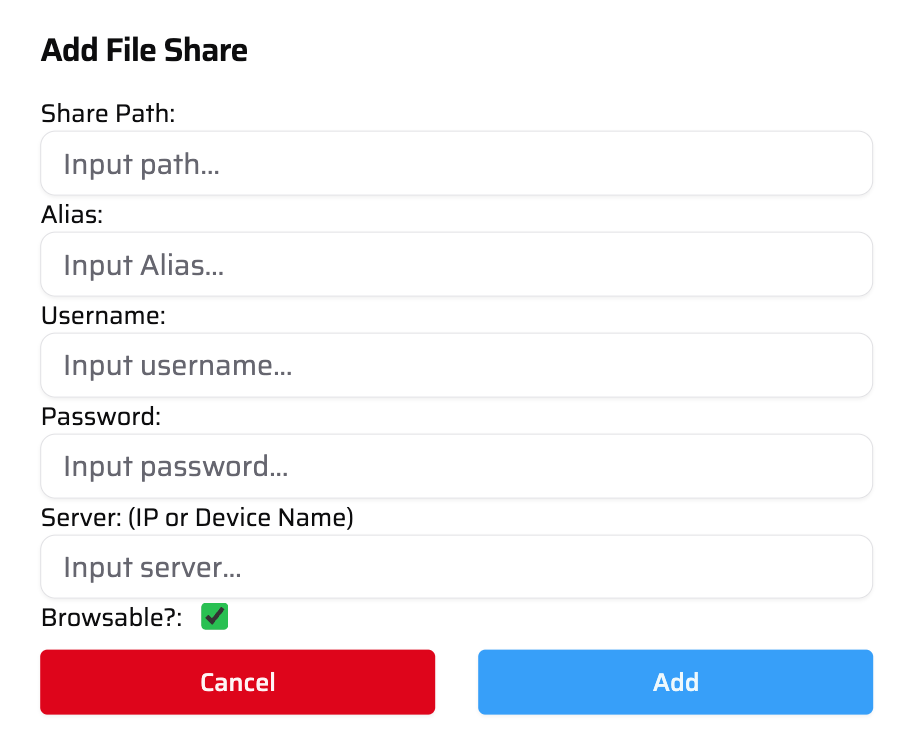
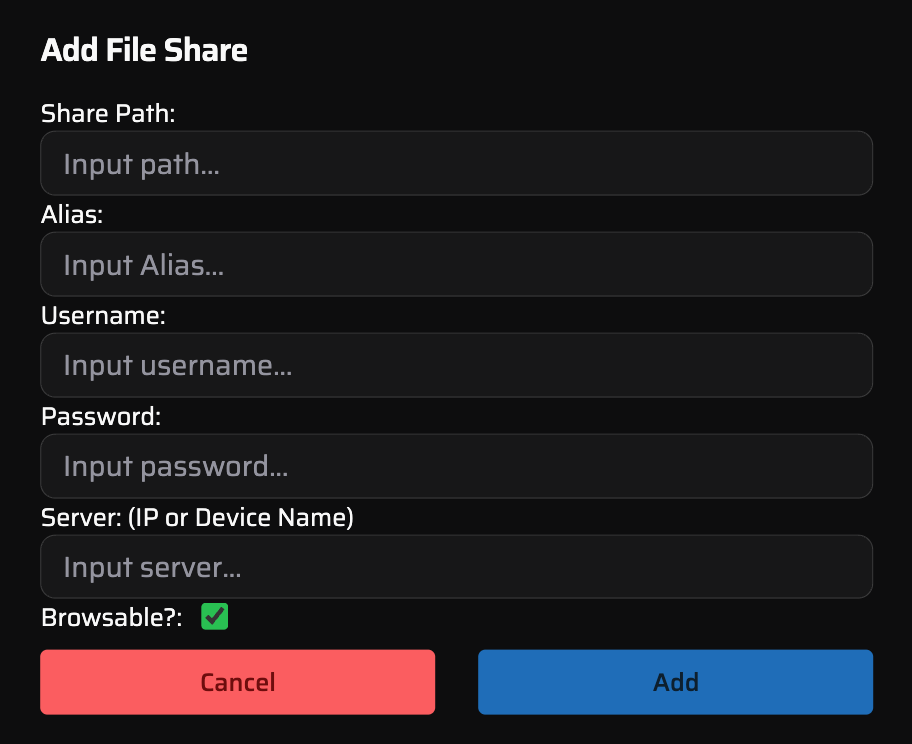
Add fileshare interface in admin page
| Share Path | The path to the shared drive you wish to mount to the proxybox. |
| Alias | Whatever you want to name the mounted drive. This will determine the name of the browsable route. The URL to browse will be https://pbx-<proxyboxId>.pbxz.io/shares/<alias> |
| Username | The username for the credentials you are using on the device of the mounted drive (Not the proxybox). |
| Password | The password for the credentials you are using on the device of the mounted drive (Not the proxybox). |
| Server | The IP address or hostname of the device you are mounting a drive from (Not the proxybox). |
| Browsable | Whether or not the drive is browsable - meaning you can navigate and see the available files. With this disabled, you can still navigate to files if you know the path, just no file browser is provided. |