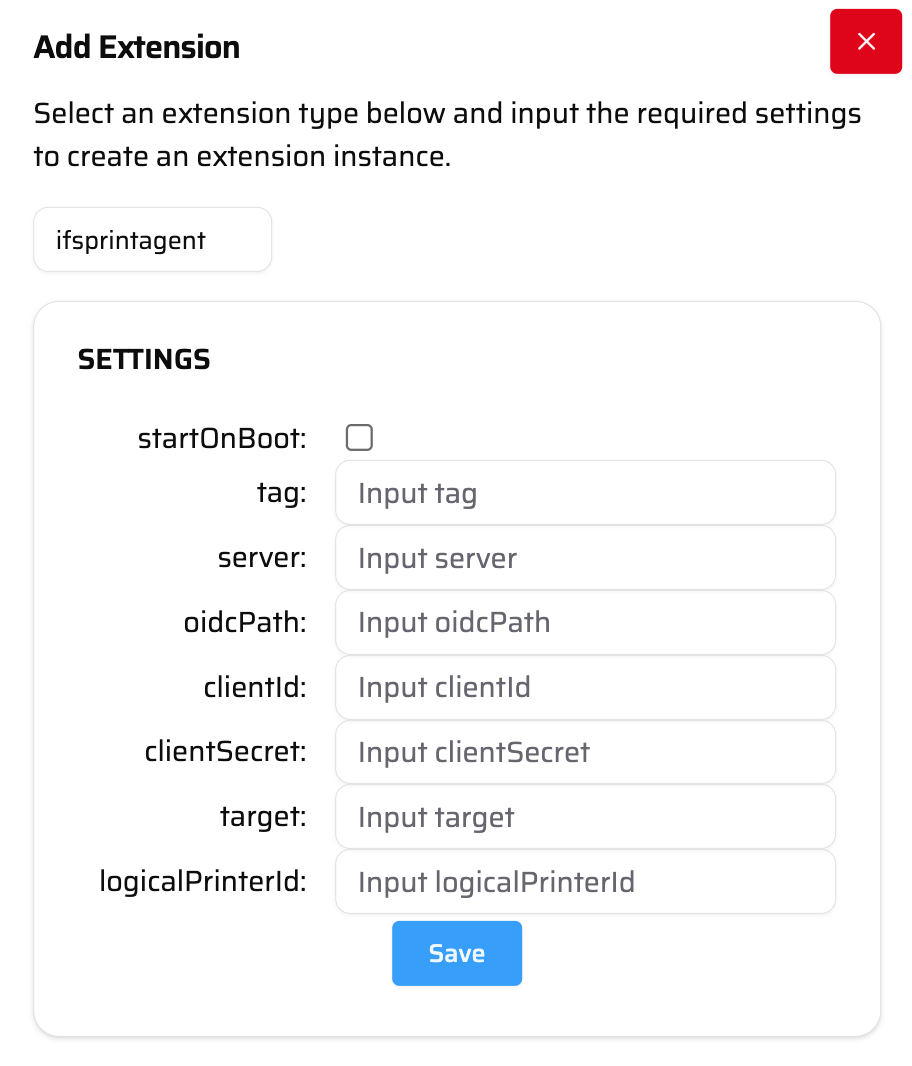
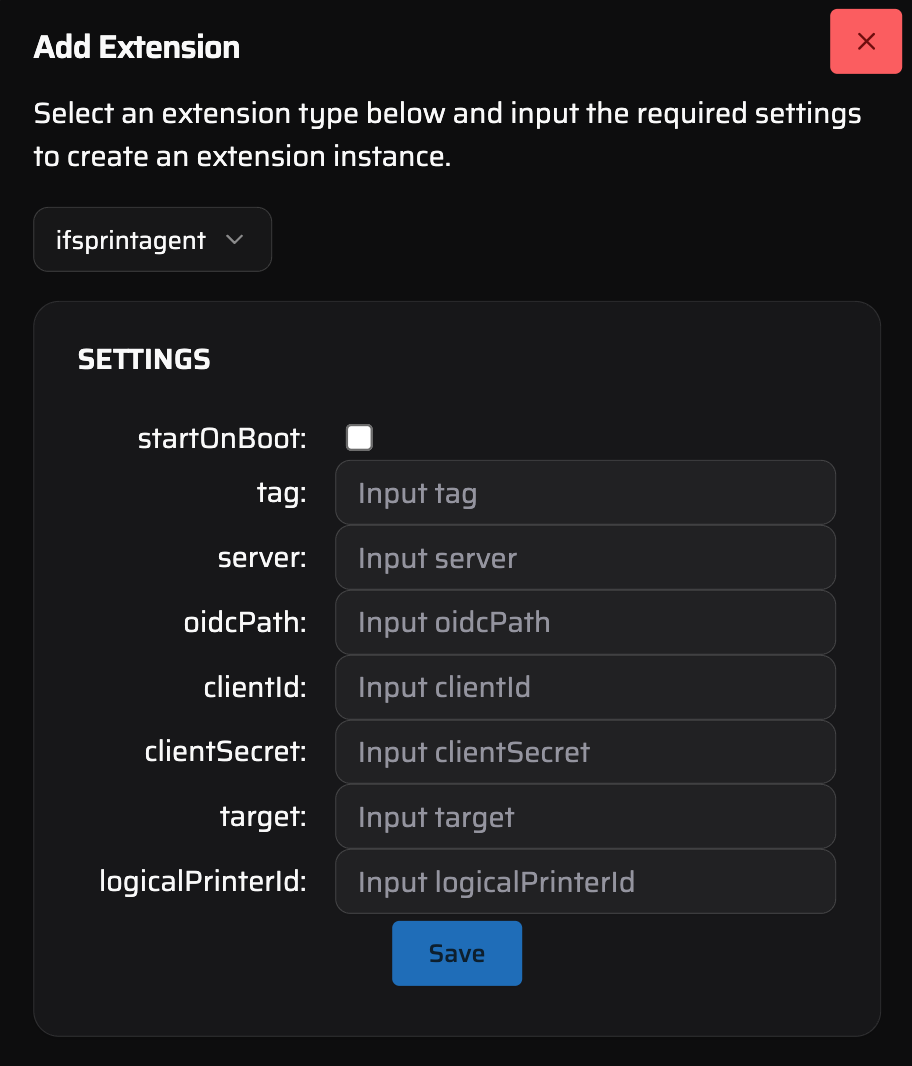
Add new extension interface for IFS Print Agent
| Tag | This is a value used internally to differentiate the logs from the different active IFS Print Agents. |
| Server | This is your base IFS url. Example: https://<company>-uat.ifs.cloud |
| OidcPath | This is the path to your openId configuration. Example: /auth/realms/<company>/.well-known/openid-configuration |
| ClientId | This is the clientId - the non-secret value used for oauth authentication. |
| ClientSecret | This is the clientSecret - the secret value used for oauth authentication. |
| Target | This is the url that you want IFS Prints to be printed to. Typically this would be the URL of a printer recognized by your proxybox. Example: https://pbx-jrdn.pbxz.io/api/v1/print/ipp_HP8469932355FF-local_631_ipp-print |
| LogicalPrinterId | This is the ID of the logical printer you want to map this print agent to in IFS. |