https://test.pbxz.io.
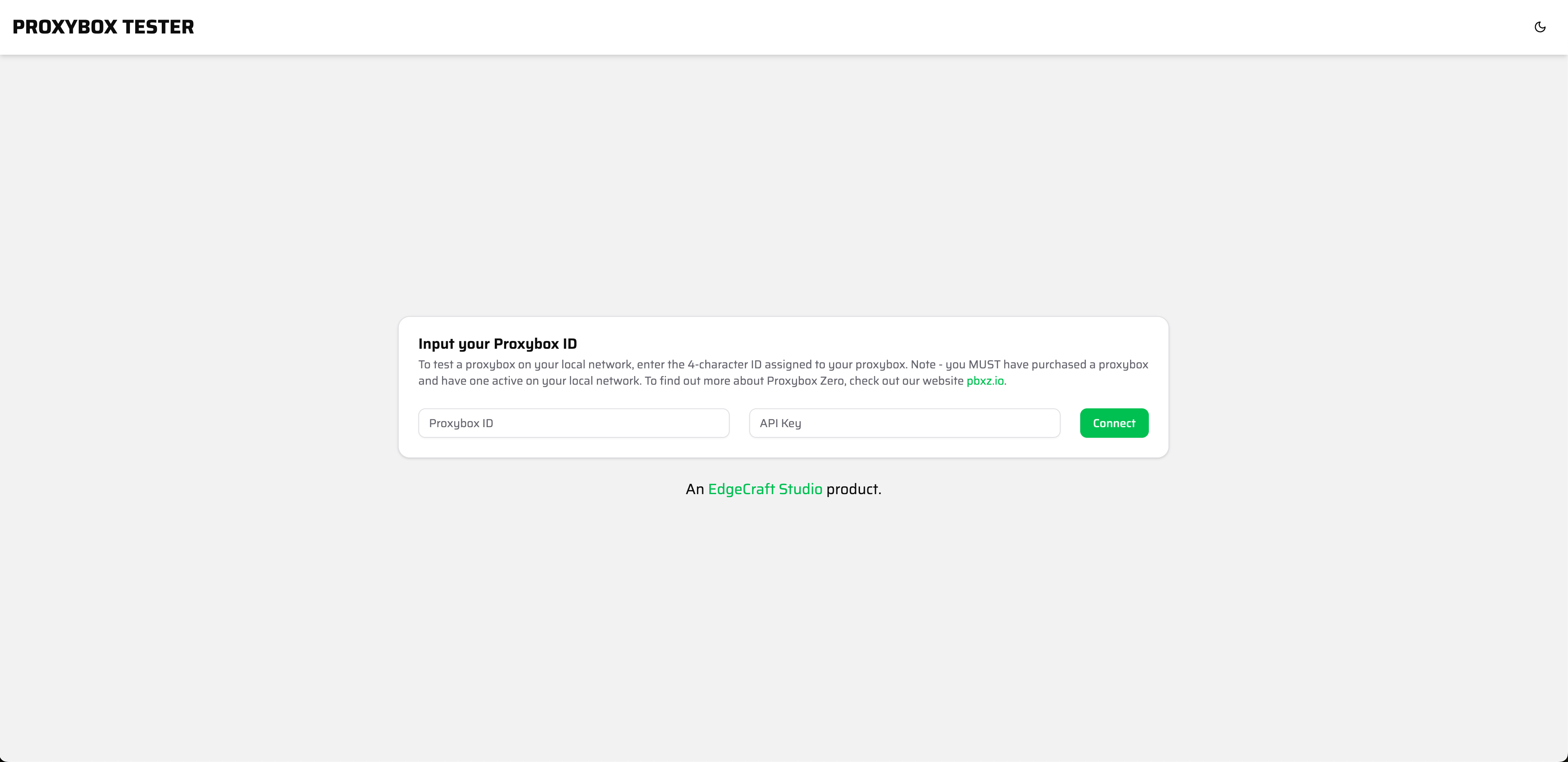
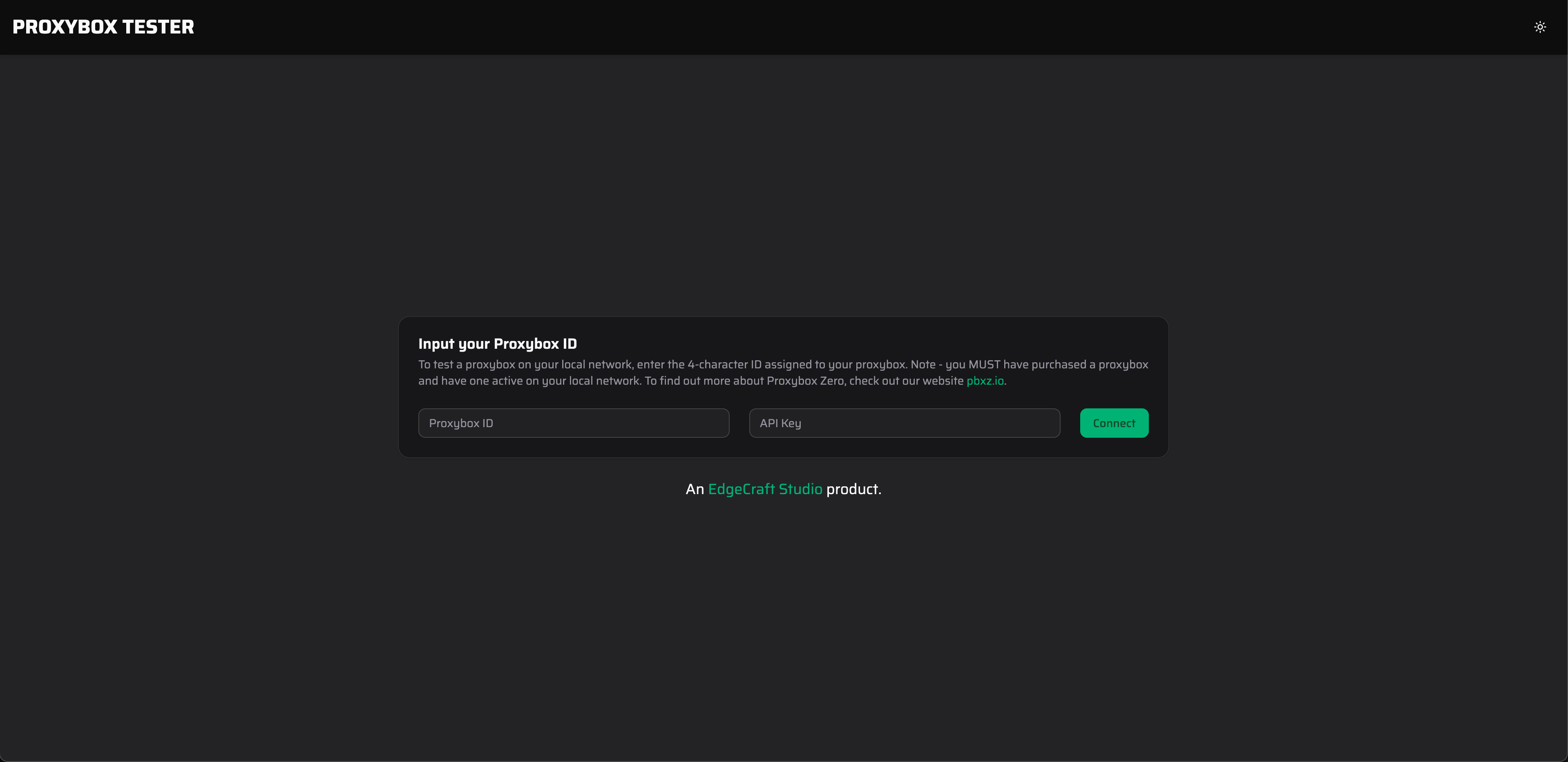
Proxybox test site landing page.
Proxybox ID and API Key.
If you’re not sure about your Proxybox ID revisit setup and admin to get logged into the admin page. The ID used in those steps will be the same ID you need here.
Your API Key will come from the Admin page under the settings module under API Key.


Proxybox API Key
Proxybox ID and API Key you can connect to your device.
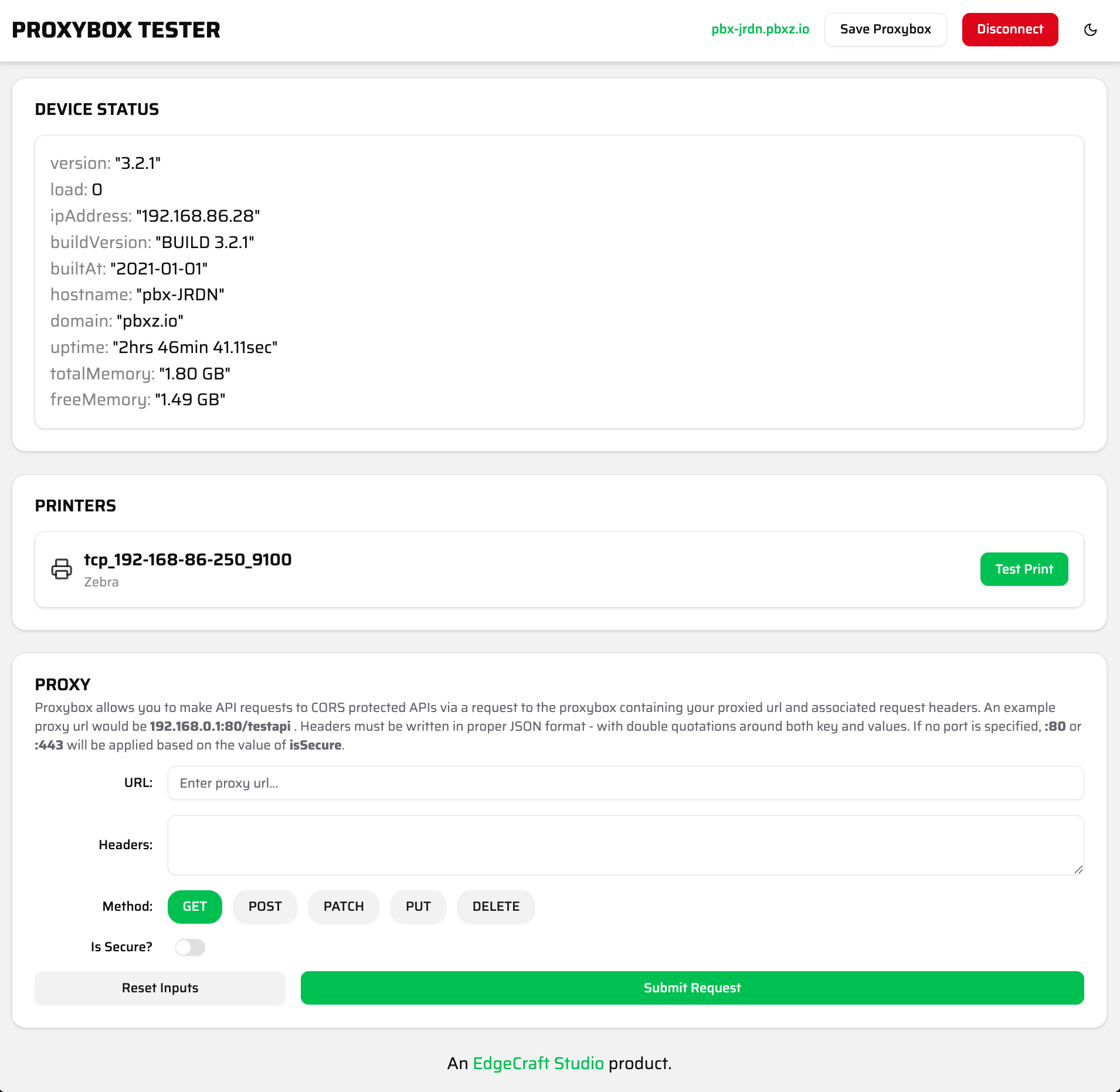
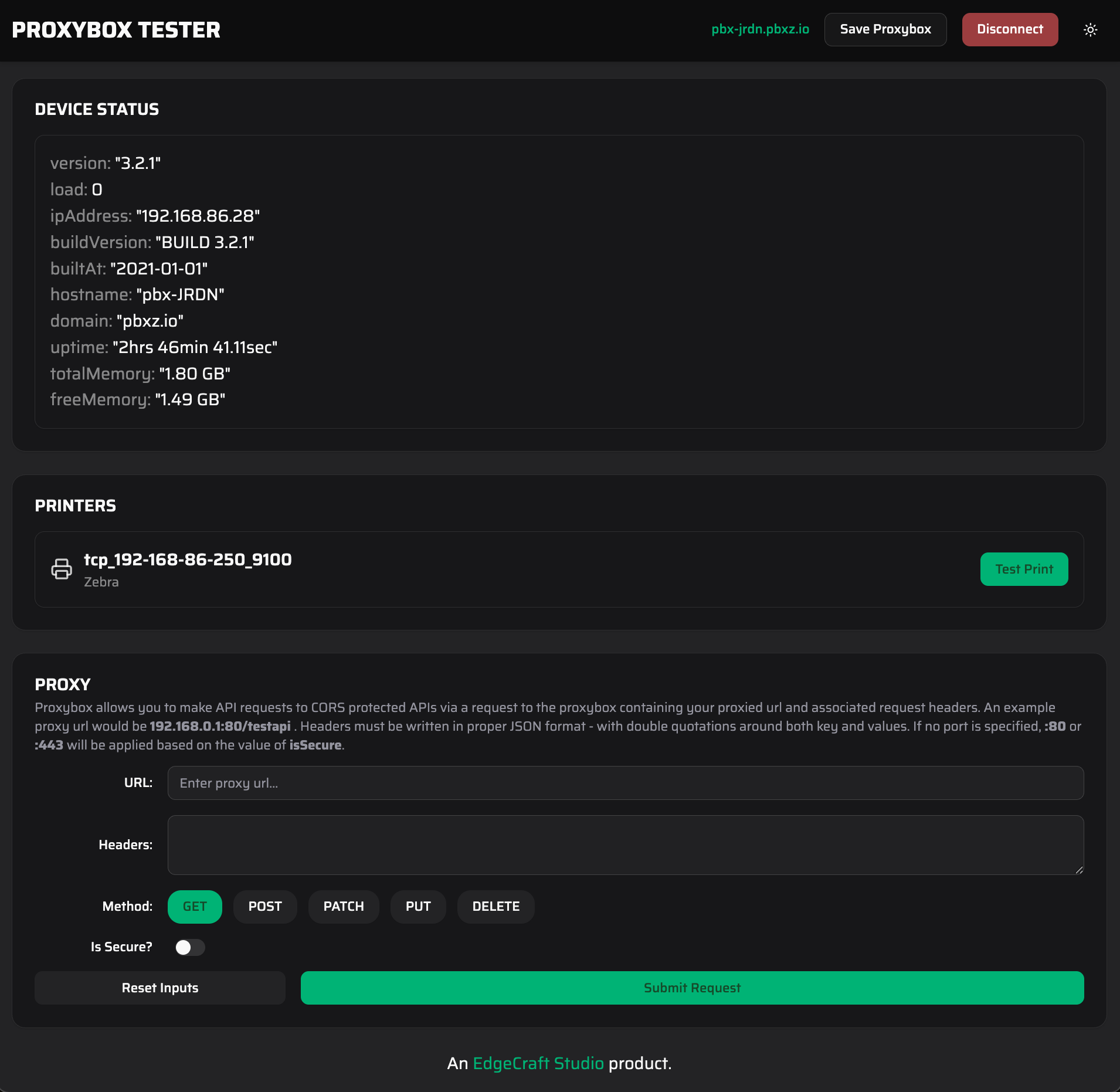
Proxybox Test Page