Settings module is home to the configurable settings of your proxybox. The supported settings include API Key, Password, and Alias.
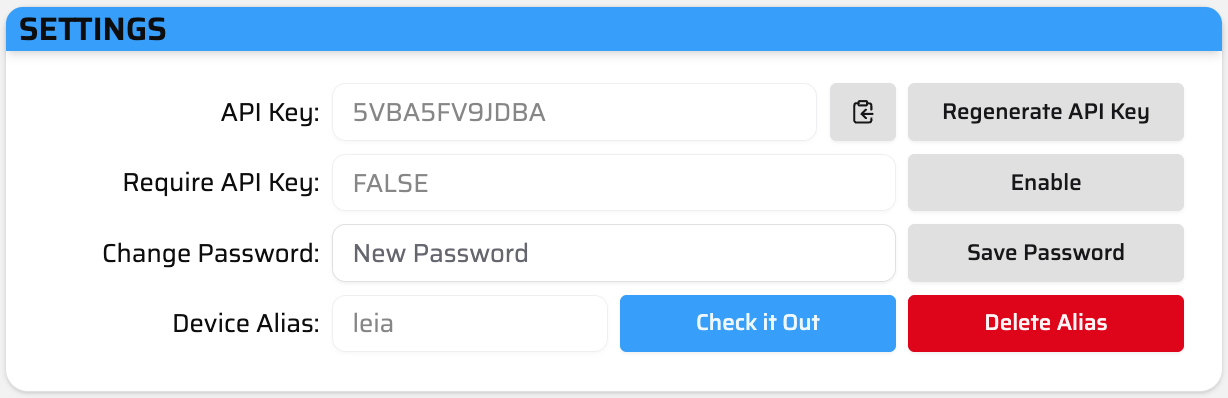
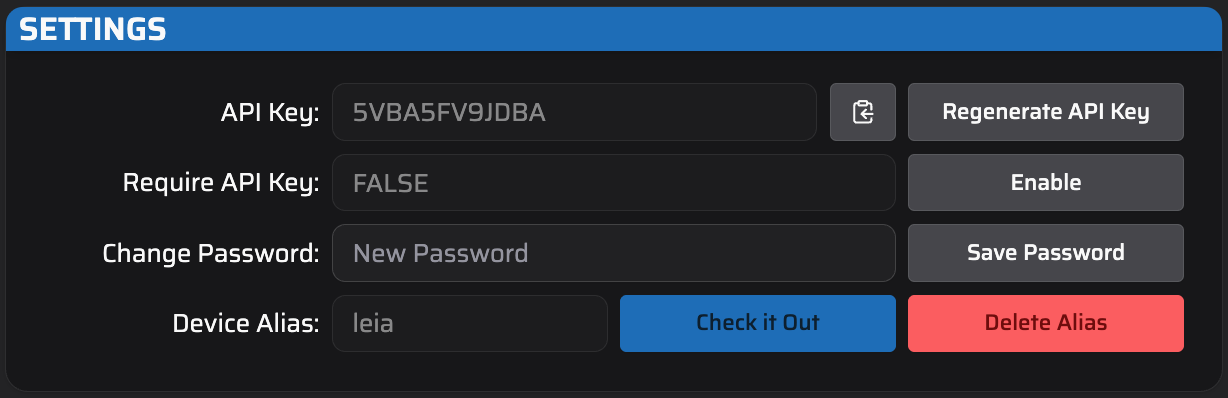
Editable settings - including API Key, Password, and Alias.
API Key and Require API Key are related to device security. Usage of an API key protects your proxybox API endpoints from being accessed by unauthorized users. This can be enabled/disabled via Require API Key, and the actual value API Key can be randomly generated. The API Key can be re-generated as many times as you need. Only one API key will ever be valid at-a-time.
Note that while security is important, this is currently toggleable due to Proxybox not currently having a method to sync multiple devices to the same API key.
Password or Alias require some major configuration changes on the proxybox so modifying these settings will prompt you to refresh the page.
Password refers to the password to log in to the proxybox admin page. If you followed the setup instructions in “getting-started”, you will have already experienced modifying this value.
Alias refers to creating a custom URL for your proxybox. For example - if we have 3 proxyboxes installed at EdgeCraft Studio, we could set our devices up as edgecraft-1.pbxz.io, edgecraft-2.pbxz.io, and edgecraft-3.pbxz.io.
Note that Alias is not a supported feature by default.