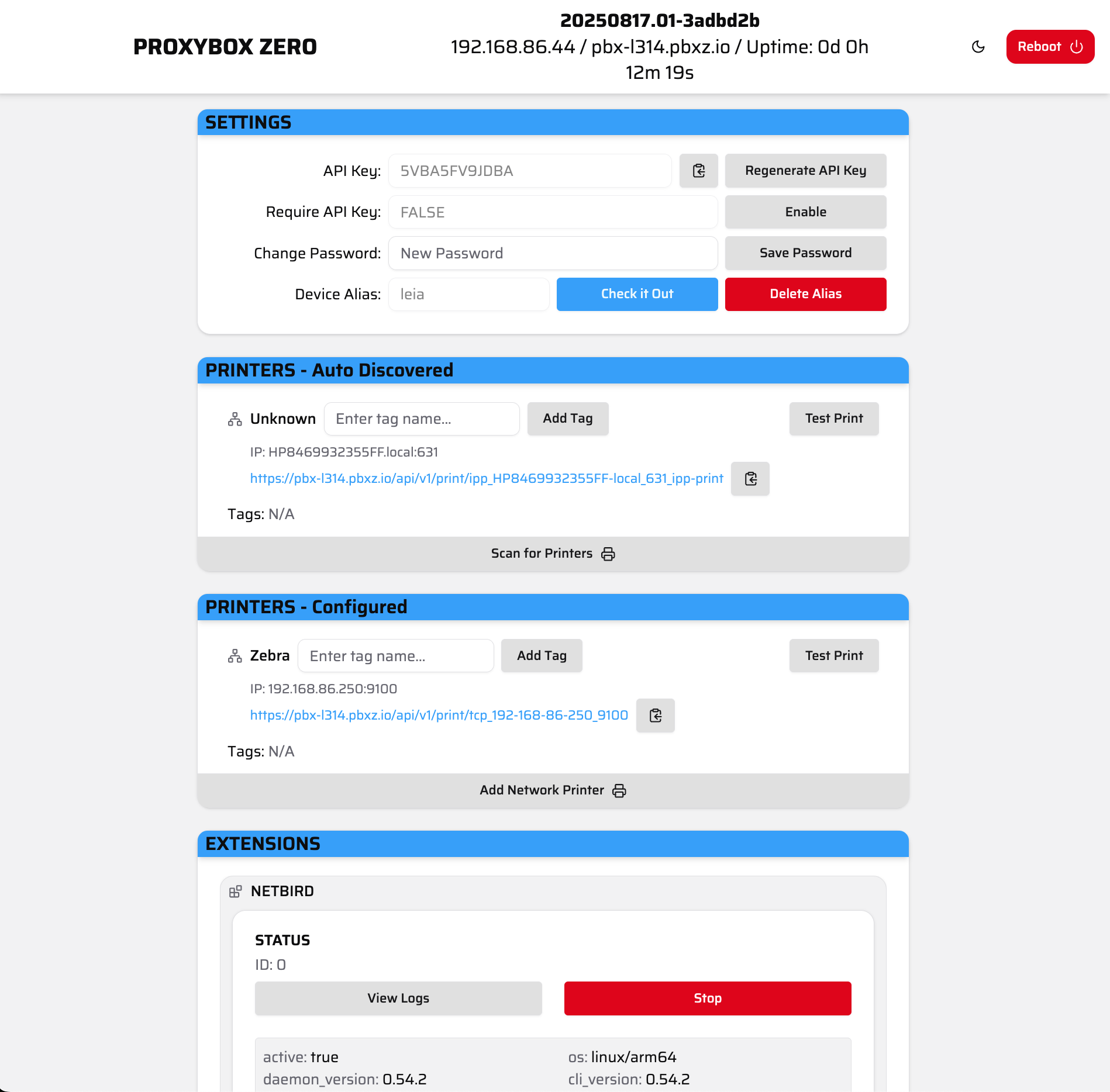
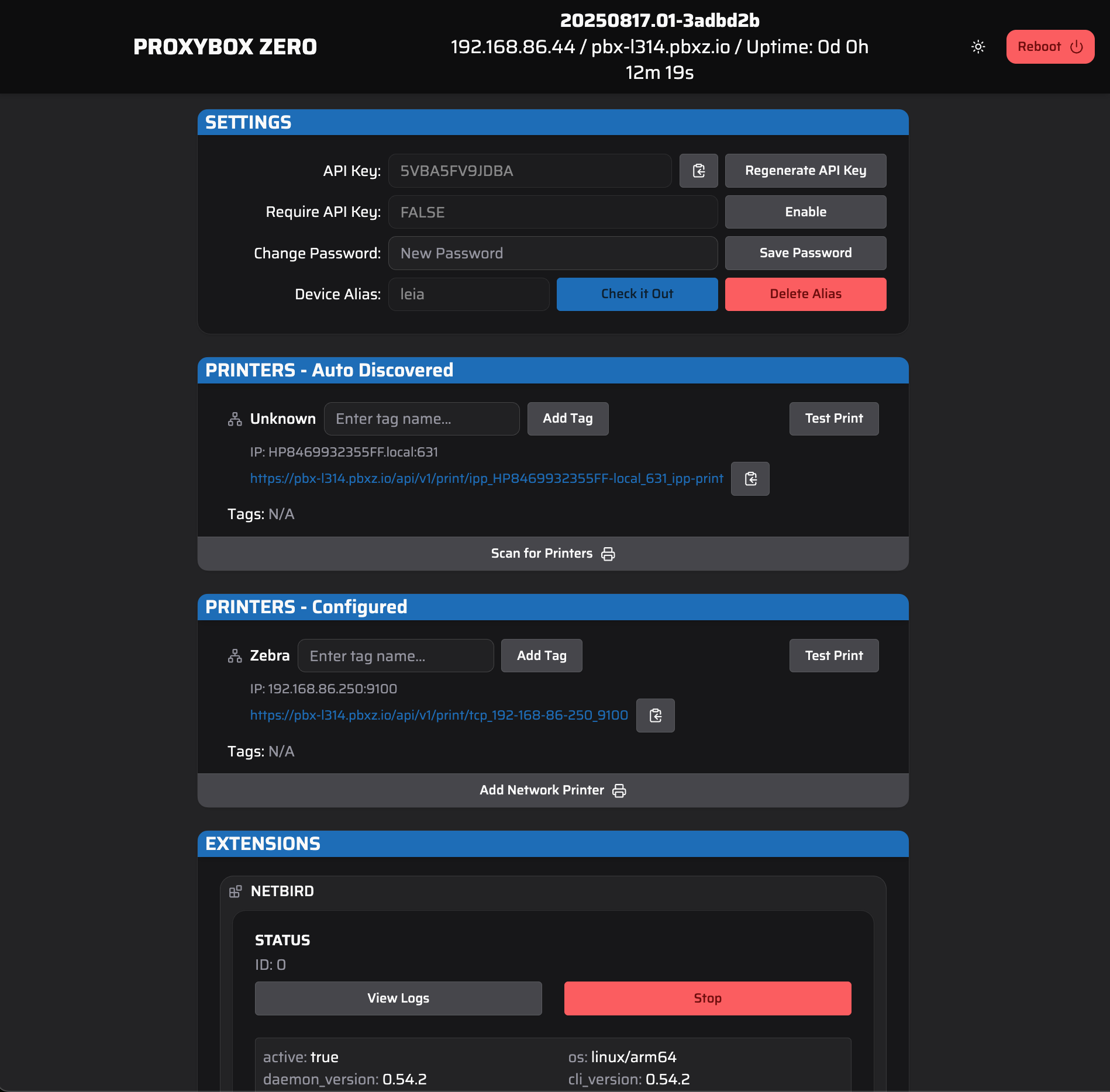
Now that you have updated away from the default login credentials, you should be at your Proxybox admin page.
Admin page.

View of the Proxybox Admin page.


The admin page contains the header ribbon followed by all of the various supported modules.
Admin page header.

Zoomed view of the Proxybox Admin page Header.

The header ribbon contains the page title “Proxybox Zero”, some information about your proxybox device, and the abilities to toggle between light/dark modes or reboot your device. The information displayed includes:
  • Release Version: The release version your device is currently operating with.
  • IP Address: The IP address of your device.
  • Hostname: The hostname of your device.
  • Uptime: Total time since your device’s last reboot.
For information on any of proxybox features and settings - see the modules section of the Proxybox docs.