- Plug in the power adapter to a power source and the USB-C end into the Proxybox’s USB-C port.
- Plug your Proxybox into your router via an Ethernet cable.
- Power on your Proxybox device by pressing the power button.
- During the Proxybox device’s initial boot-up, it has some magic that must happen under the hood, so you should give it about 5 minutes to complete its boot-up process.
-
Once the 5 minutes are over, from a web browser on a different device, navigate to
https://pbx-ABCD.pbxz.io(where ABCD is the 4-character ID on the sticker on your Proxybox device). -
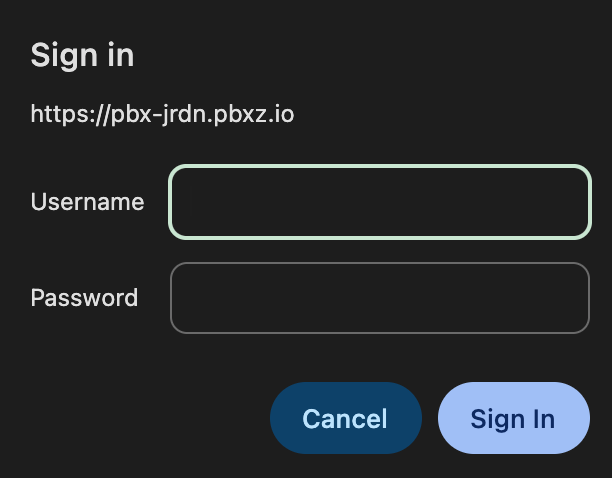
You should be prompted to input a username and password:
The default credentials are:Upon successful login, it is recommended — for security purposes — that you update your password. You can do this by typing your new password in the Change Password block and pressing Save Password.
- Username:
admin - Password:
password

This will cause the web server to restart, so you will be prompted to refresh your web page. You will know the update was successful when you are prompted for your login again, and this time your new password works. - Username:
